Why Skinora?
Everything you need for a smarter skincare routine, powered by AI.
AI Skin Analysis
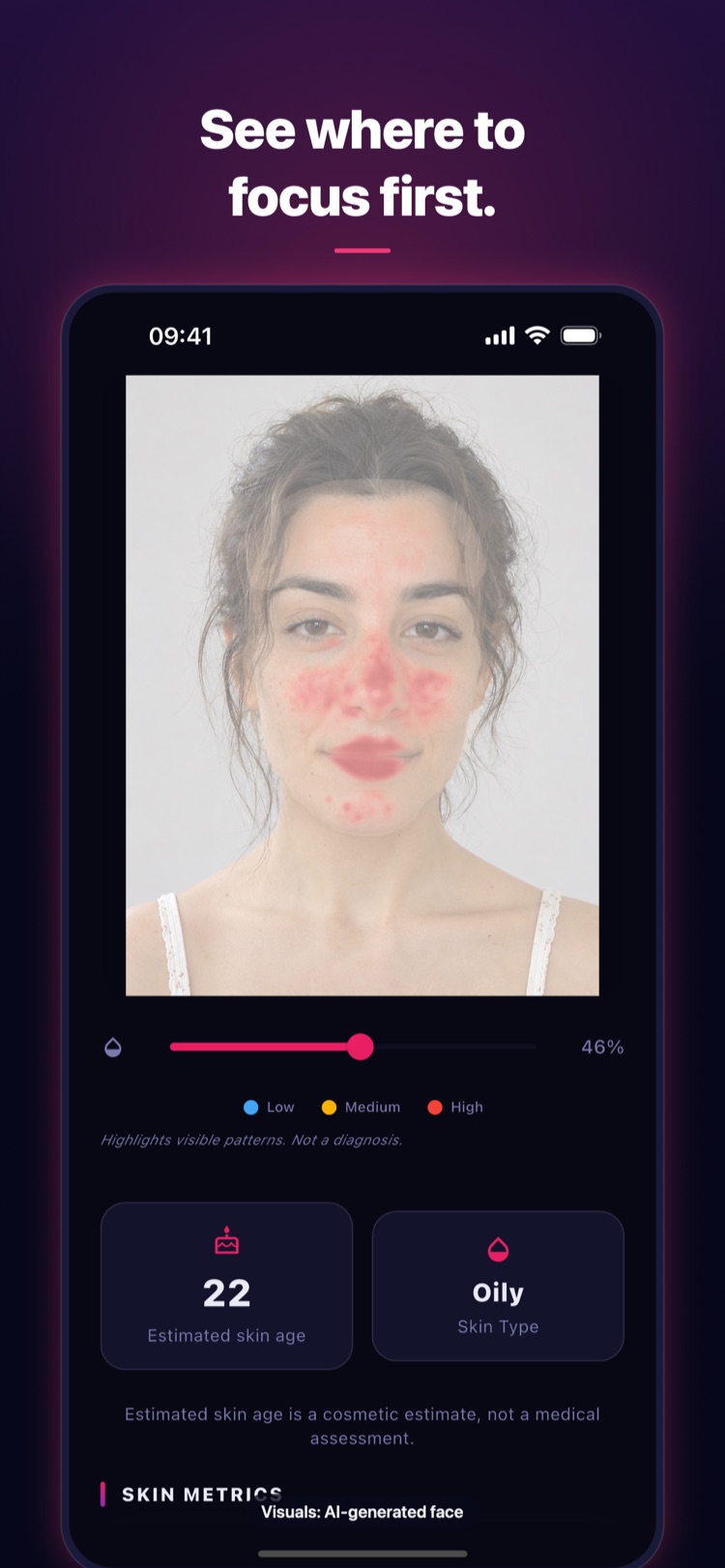
Selfie-based face scan with AI-powered acne, redness, pores, and texture scoring.
Product Scanning
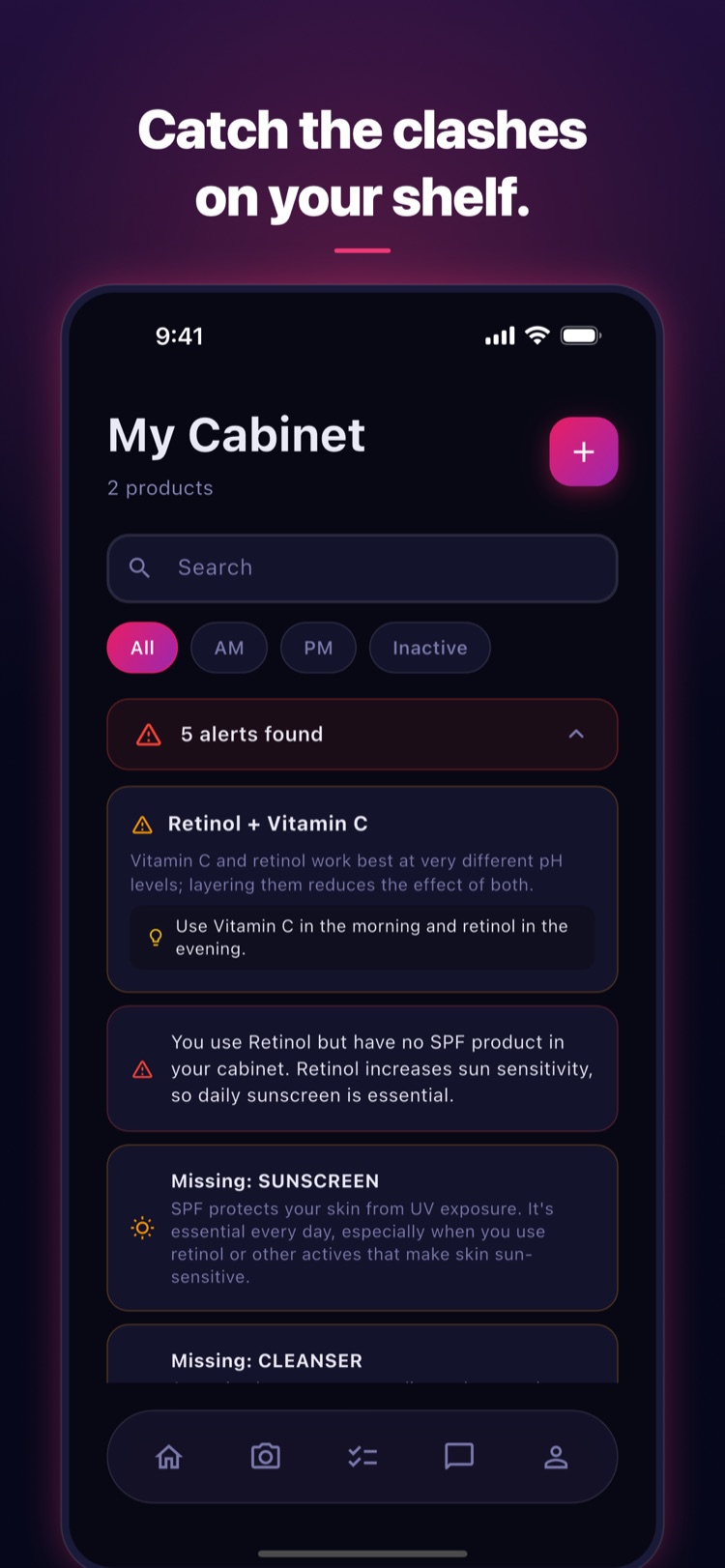
Scan product labels to analyze ingredients and check compatibility with your skin.
Personal Routines
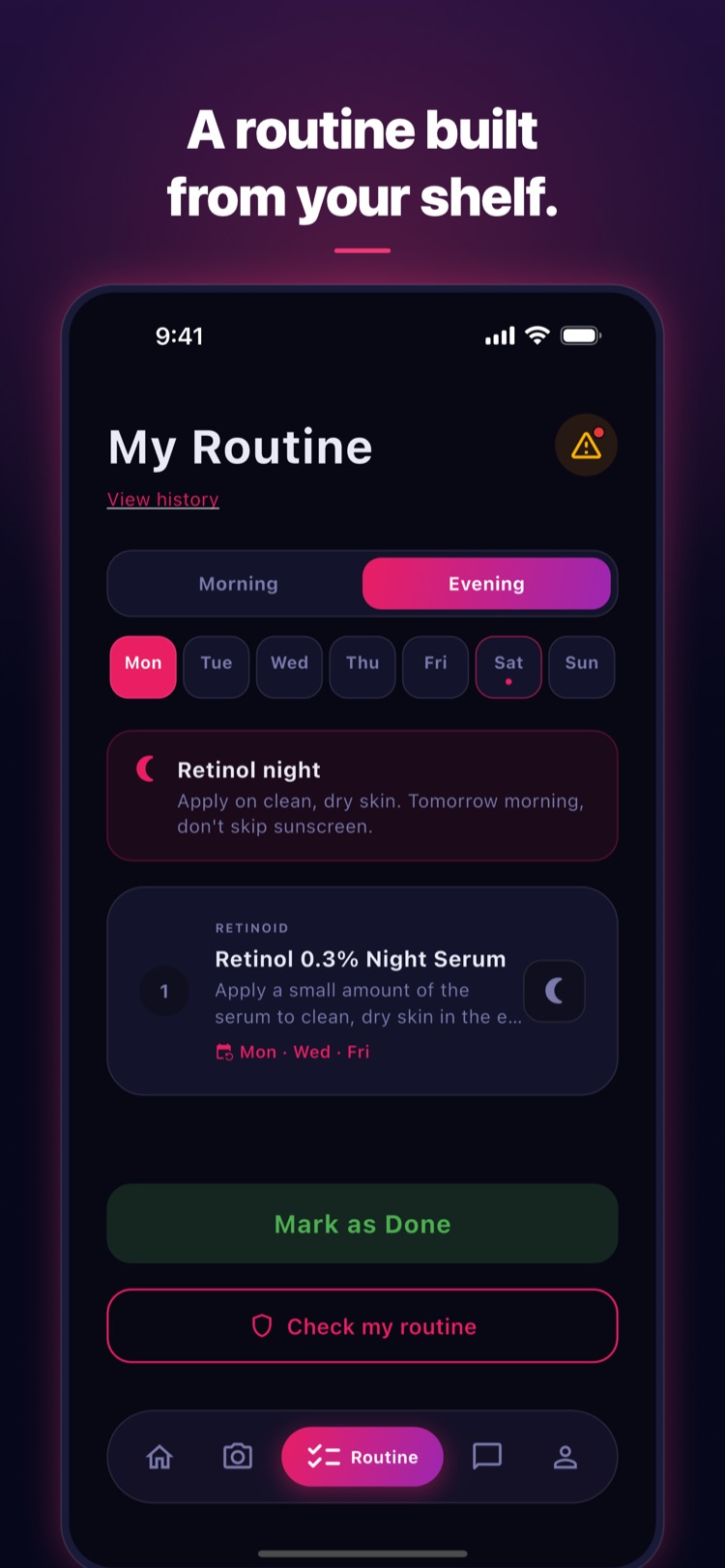
AI-generated morning & night routines tailored to your skin type and goals.
AI Skin Coach
Chat with your personal AI coach for product advice, routine tips, and skin insights.
See What Your Skin
Is Telling You
Take a selfie and get an AI estimate of how your skin looks today: acne, redness, pore visibility, texture and an overall skin score. Your scores are kept so you can follow them over time.
- Acne, Redness, Pores, Texture metrics (0-100)
- Score history across your scans
- Detailed overlay visuals & full report
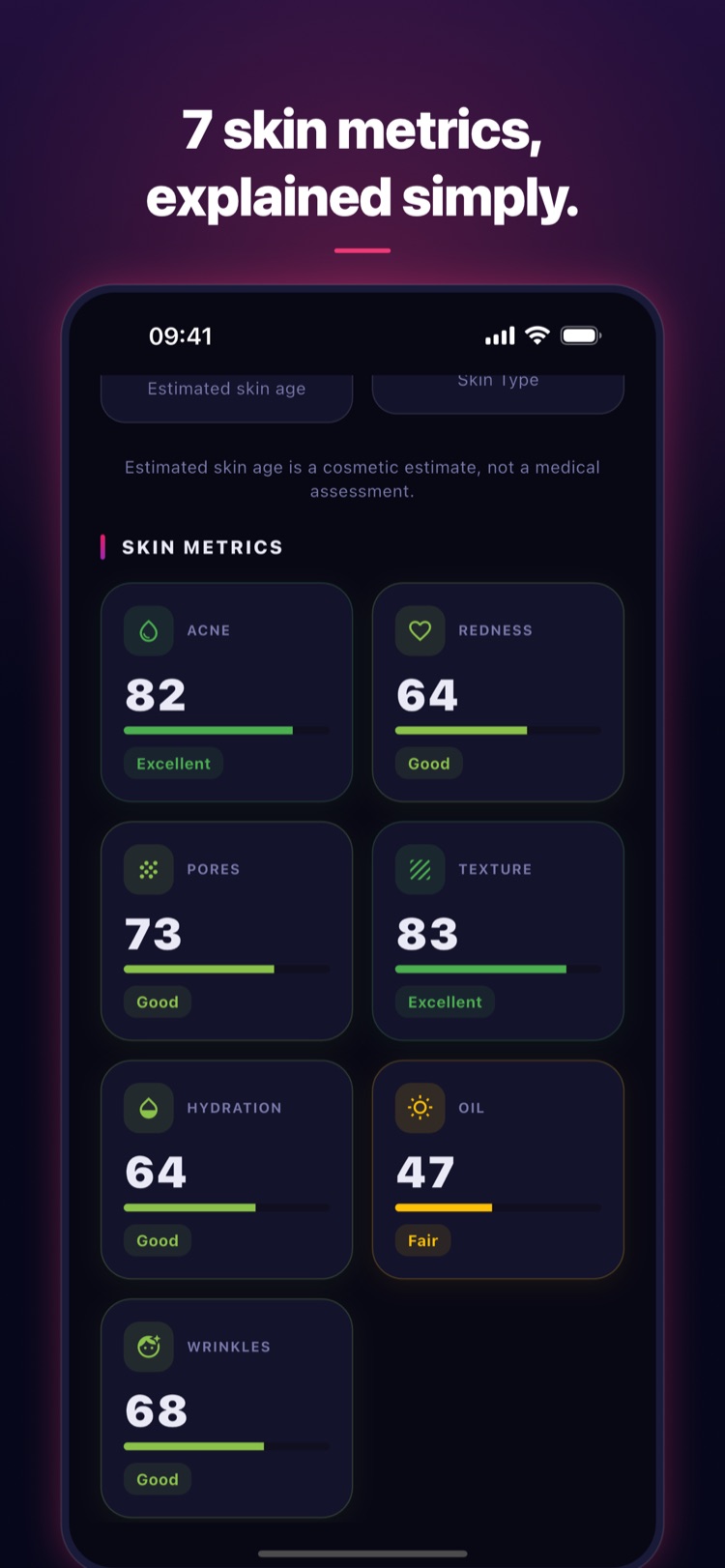
Real app screens. Products shown are demo items.
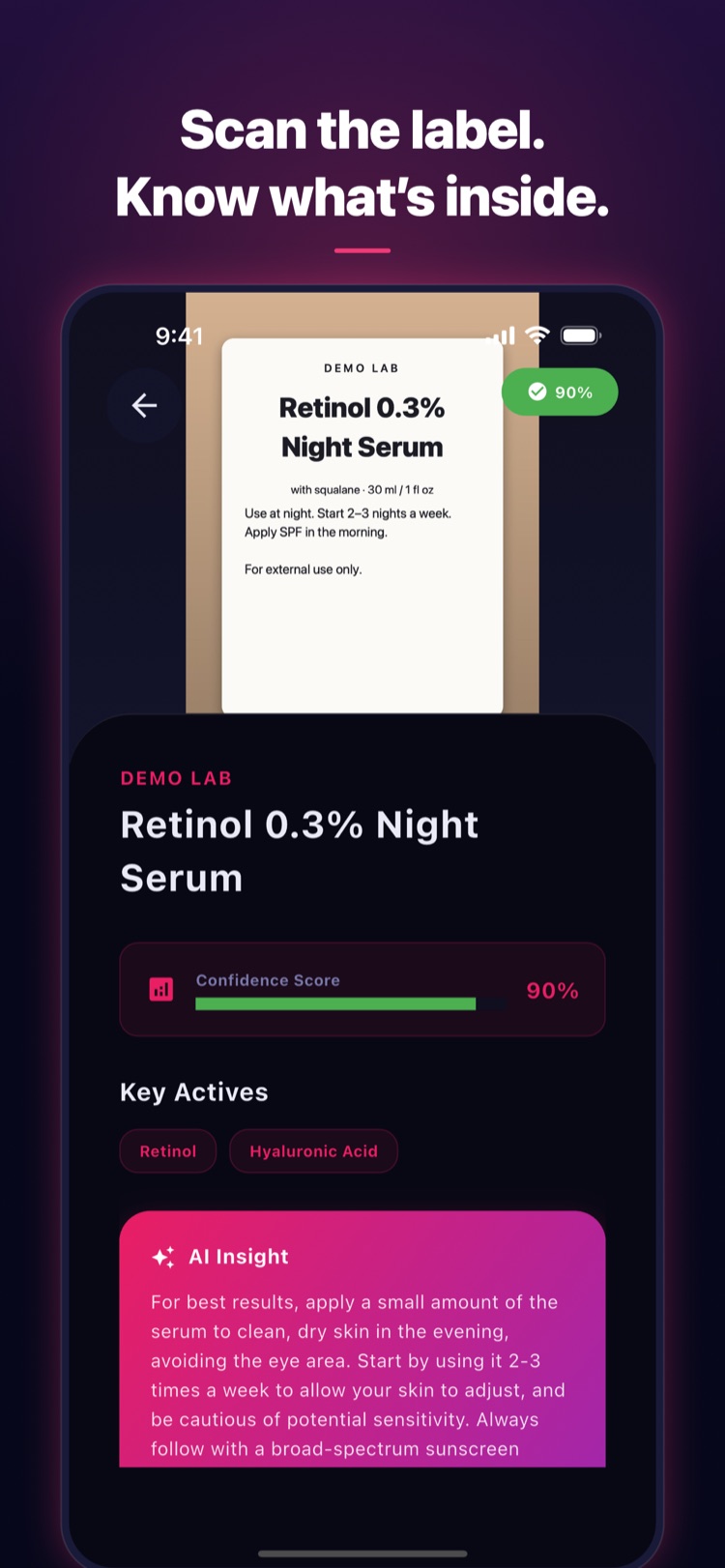
Real app screens. Products shown are demo items.
Know What You're
Putting On Your Skin
Point your camera at a product label. AI reads the ingredients, flags combinations that are better used at different times, and adds the product to your cabinet.
- AI-powered ingredient detection
- Compatibility & conflict warnings
- Build your product cabinet
Your Personal
Skincare Assistant
Choose a goal and get an AI-generated morning and night routine built from the products in your cabinet. Ask your AI coach anything about your routine and your products.
- Morning & night routine steps
- Daily logging & streak tracking
- AI coach with full skin context
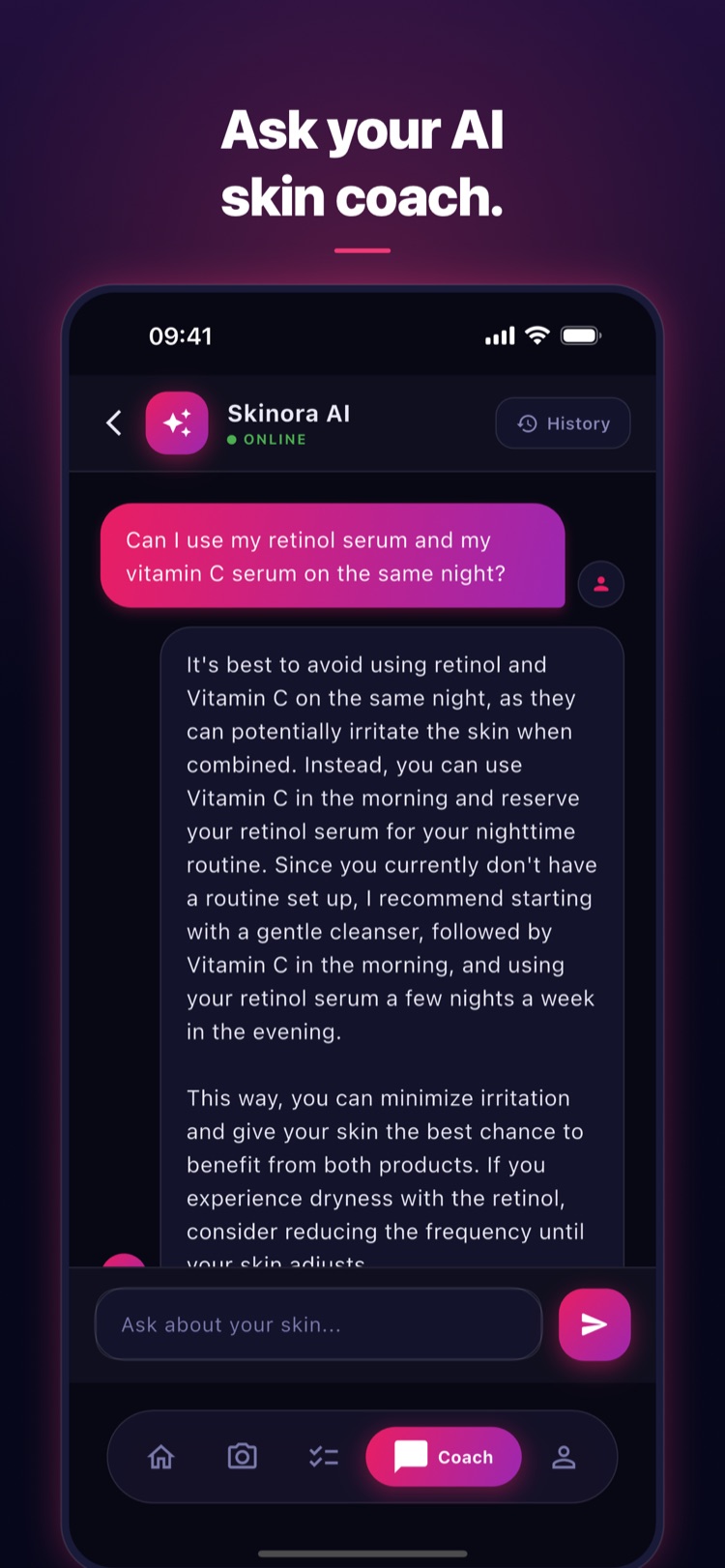
Real app screens. Products shown are demo items.
Inside the app
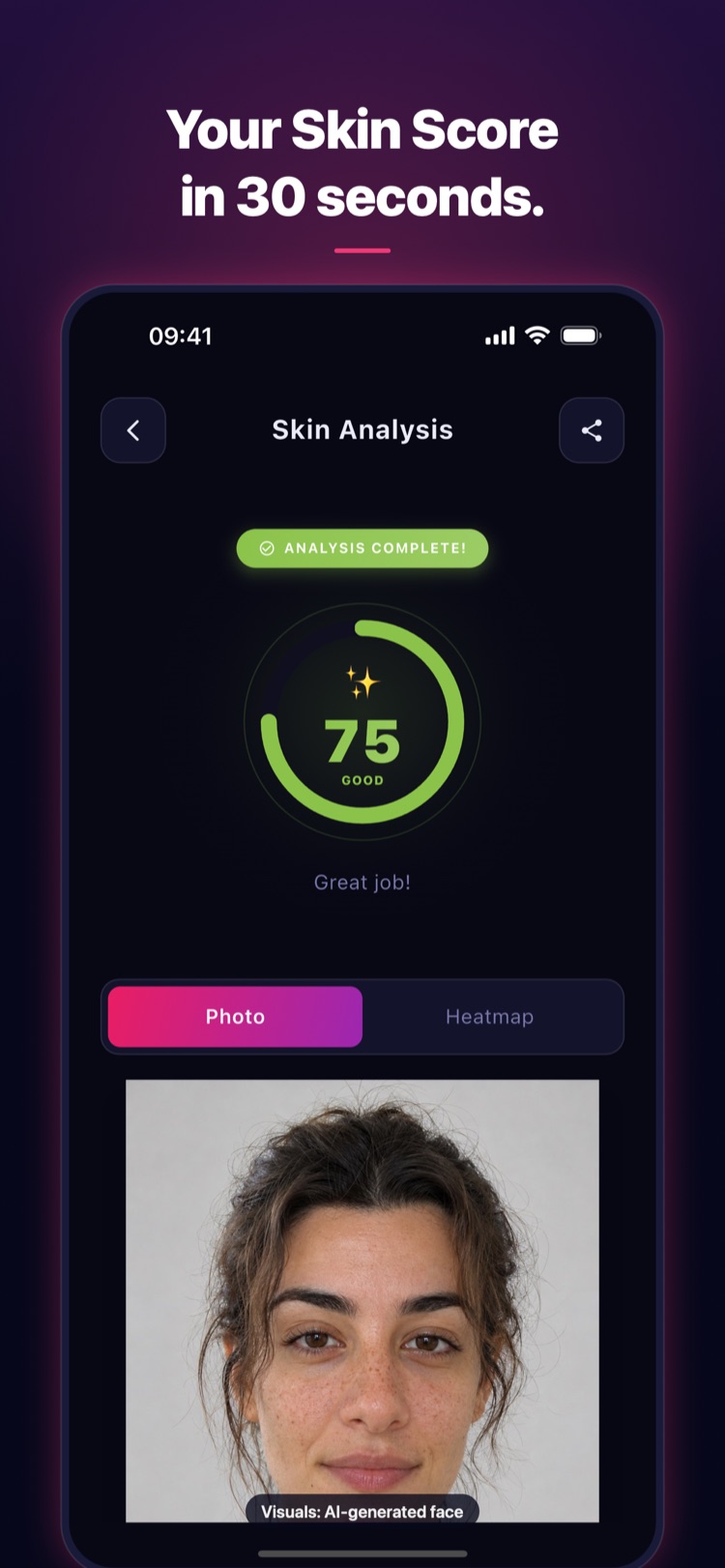
Visuals: AI-generated imagery.
Get Started in 3 Steps
Your skincare journey begins with a single scan.
Scan Your Products
Point your camera at product labels. AI analyzes ingredients and checks for conflicts.
Analyze Your Skin
Take a selfie for AI skin analysis. Get scores for acne, redness, pores, texture & more.
Get Your Routine
AI builds a personalized morning & night routine using your products and skin data.
Track Your Skin Journey
Your scans, scores and routine days in one place.
At-a-glance view of your overall score, per-metric trends, and a one-line coach summary on the home screen.
Score history charts, milestones, routine consistency and a short AI-written summary.
Celebrate what you do: scans completed and routine streaks.
Frequently Asked
Questions
Everything you want to know, before you scan.
01 How accurate is the AI skin analysis?
02 Is my face data private and secure?
03 Is Skinora free to use?
04 Which phones and languages are supported?
05 How does product ingredient scanning work?
06 Does Skinora replace a dermatologist?
07 How often should I scan my skin?
08 How do I sign in?
Still have questions?
Contact Support
Start Your Skin Journey
Today
Download Skinora Labs and see what your skin scan shows.